Jam Tuner 1.3

Tune, keep time and jam over your own loops.

The things I reach for when I practise, in one app: a tuner, a metronome, a looper and somewhere to play along with songs. I made it with guitar in mind, but it tunes bass, ukulele, violin, viola, cello and more. It's free, there are no ads, and you don't have to sign up for anything.

FreeAndroid 8.0 and laterEnglish · Español · Català

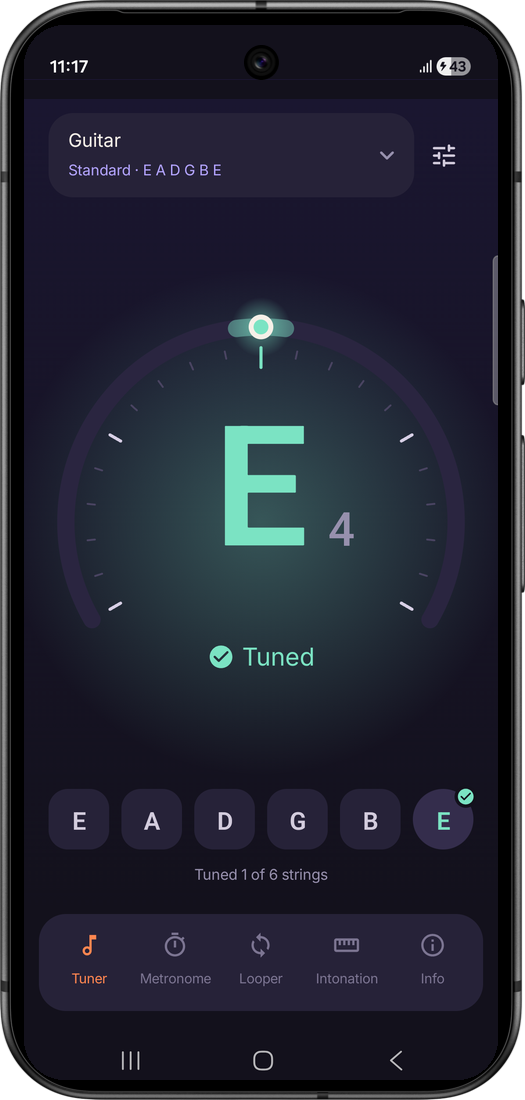
Tuner with the high E string in tune: a green check and the word Tuned under the note

What's in it

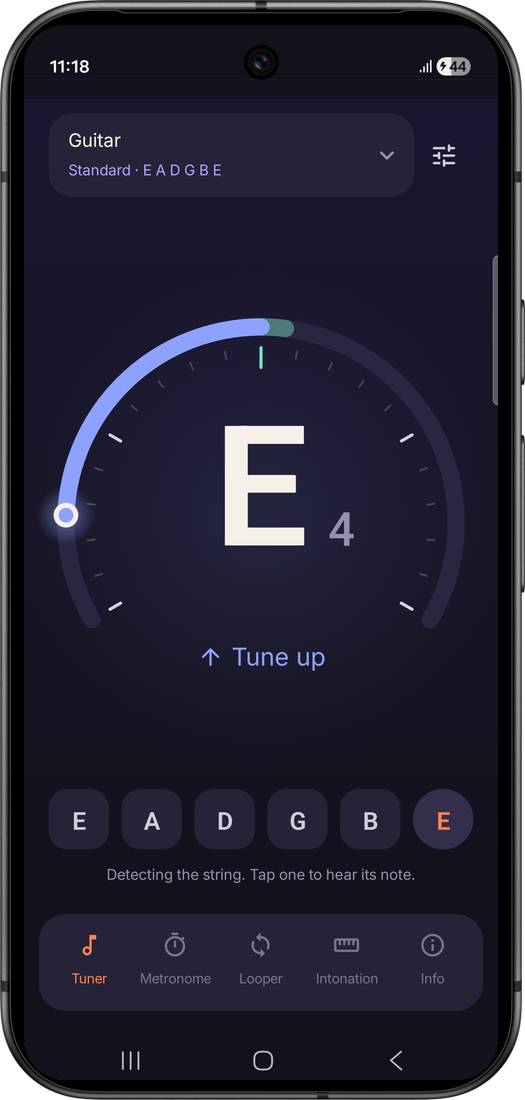
Tuner reading the high E string a little flat, with an arrow saying Tune up

Tuner

  • Guitar, bass, ukulele, violin, viola, cello, double bass, mandolin and banjo, in 20 tunings
  • Chromatic mode for anything else
  • Goes green, with a little chime, when the string is right
  • Tap a string to hear what it should sound like
  • Letters or Do Re Mi, cents and Hz if you want them, and A4 anywhere from 415 to 466 Hz
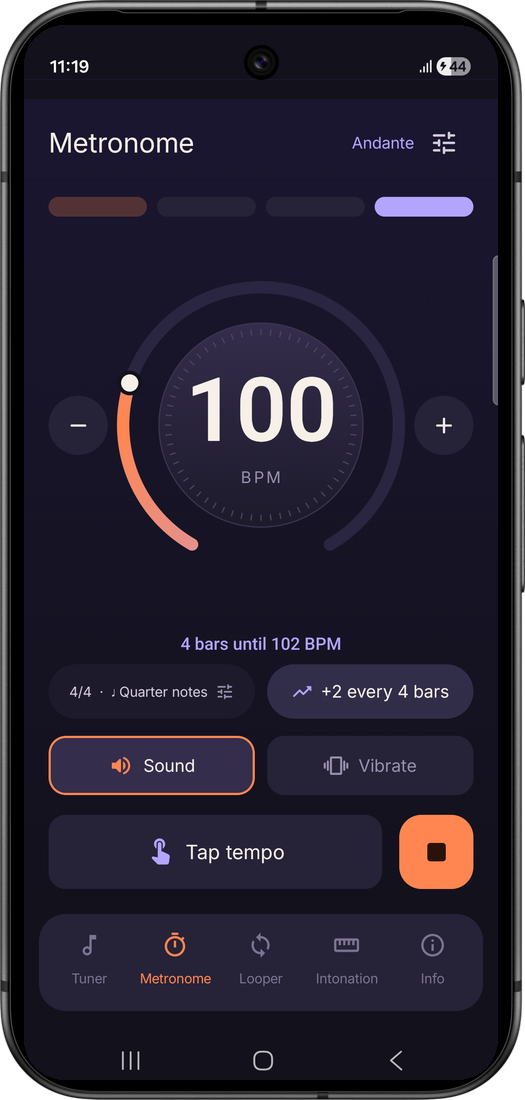
Metronome running at 100 BPM, with Speed up counting four bars until 102 BPM

Metronome

  • Turn the dial, tap the tempo or just type it in
  • Up to 12 beats a bar, with 6/8 accented the way it should be
  • Eighths, triplets, shuffle and sixteenths
  • Vibrates on the beat if you can't hear it, or stays silent and flashes
  • Speed up nudges the tempo higher every few bars while you play
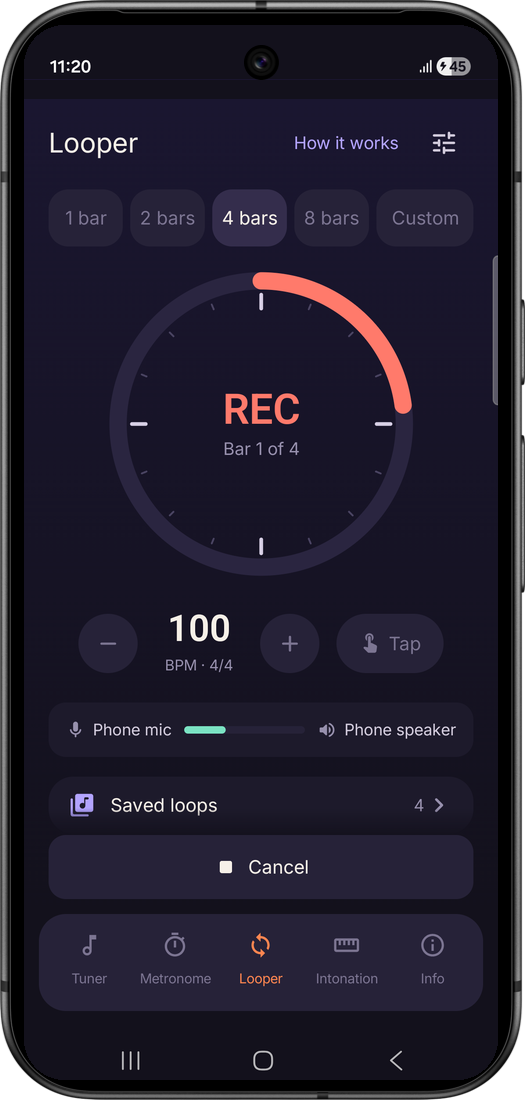
Looper recording bar 1 of 4 at 100 BPM, with the microphone level showing

Looper

  • Pick 1 to 32 bars, or just play and tap Stop when you're done
  • Your take is lined up with the click, so it lands on the beat
  • Stack up to three layers on top (headphones help)
  • Save loops with their tempo, send them to your band and import theirs
  • A short "How it works" walks you through it the first time
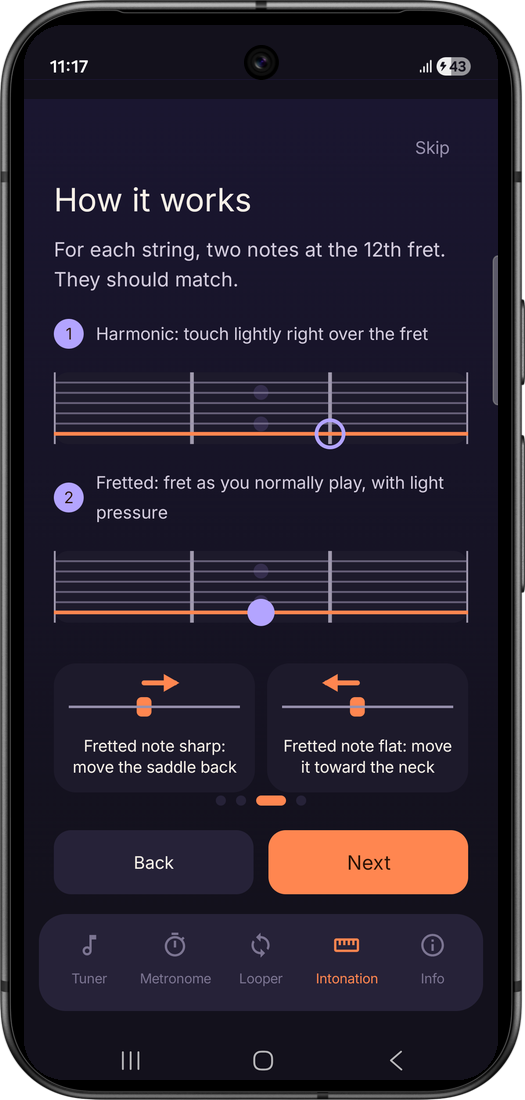
The intonation guide explaining the harmonic and the fretted note at the 12th fret

Intonation

  • Checks each string at the 12th fret, on guitar or bass
  • Tells you which saddle to move, which way and roughly how far
  • A short illustrated guide if you've never done it before

Play along with your own songs

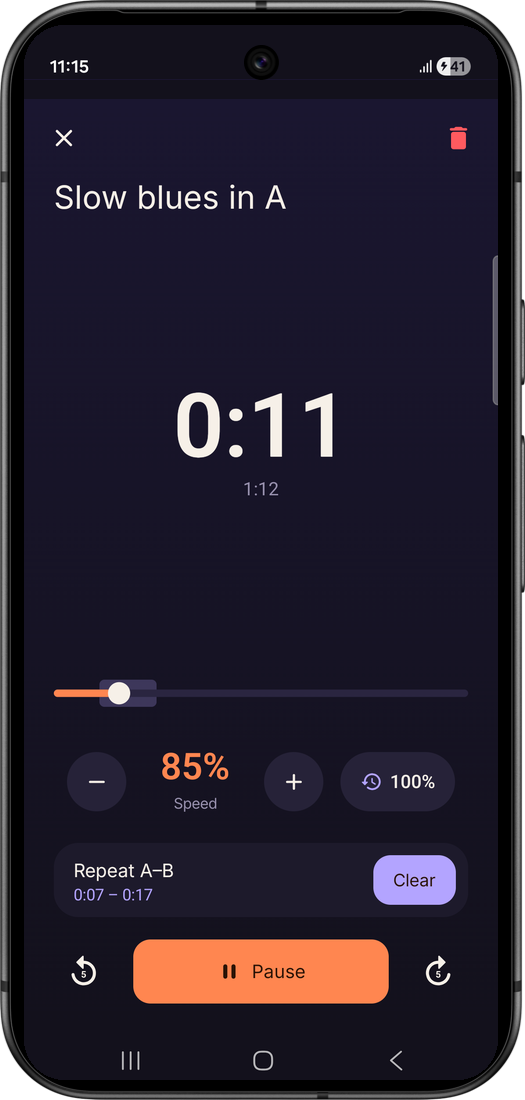
Import a song or a jam track from your phone (MP3, M4A, WAV, FLAC or OGG, several at once if you like) and play over it. If a solo is too fast, slow it down to half speed without the pitch dropping, then put an A–B section around the tricky bit and let it go round until it's under your fingers.

The app keeps its own copy of each track, along with the speed and section you left it on, so it's all still there next time.

A backing track playing at 85% speed, repeating the section from 0:07 to 0:17

Tune in a noisy room

A phone tuner hears everyone in the room. In contact mode you rest the phone on your guitar's body: the microphone still measures the note, and the motion sensor checks that it's your guitar that's vibrating. Other players are ignored.

It works well at jams, in shops and in group lessons. At stage volume a loud band shakes everything, so use a pedal or a clip-on tuner there.

Keep your loops safe

Everything you've recorded or imported can go into a single backup file, saved wherever you choose. Restore it on a new phone and it only adds what's missing, so you never end up with two of everything.

Privacy

Sound is analysed on the phone and never leaves it. There's nothing to sign up for and nothing tracking you. Your loops and tracks stay in the app until you share them, back them up or delete them. Privacy policy